
Best Way to Ask Customers for Reviews (Without Being Awkward About It)
Most happy customers never leave a review—not because they don't want to, but because nobody asked. Learn the proven timing, channels, and scripts that turn satisfied customers into a steady stream of 5-star reviews.
Why Your Happy Customers Aren't Leaving Reviews
Here's an uncomfortable truth: 95% of satisfied customers never leave a review unless they're asked. It's not that they don't care—they just move on with their day. Meanwhile, unhappy customers are two to three times more likely to write one unprompted.
That means your review profile is probably skewed toward your worst days, not your best. The fix? Build a simple, repeatable system for asking at the right time, in the right way.
The Psychology Behind the Ask
Asking for a review works because of a well-documented principle: people genuinely want to help businesses they like. They just need a clear, low-friction path to do it.
The key factors that make someone say "yes" to a review request:
- Timing: The request arrives when the positive experience is still fresh.
- Ease: It takes under 60 seconds and requires no account creation.
- Specificity: They know exactly where to go and what to do.
- Genuine tone: It feels like a human asking, not a marketing funnel demanding.
The 6 Best Ways to Ask for Reviews
1. Ask in Person (When the Moment Is Right)
The most effective review request is a genuine, face-to-face ask from someone the customer just had a great interaction with. Train your team to recognize natural openings—when someone compliments your service, thanks your staff, or says they'll be back.
A simple script: "That really means a lot to us! If you have a minute, a quick Google review helps other people find us. I can text you the link right now."
The keys: be authentic, keep it short, and remove friction by offering to send the link directly.
2. Send a Follow-Up Text (SMS)
Text messages have open rates above 90%, compared to roughly 20% for email. A short, personalized SMS sent within a few hours of the experience is one of the highest-converting review channels available.
Keep it to 2–3 sentences max. Include the customer's name, reference their visit, and drop a direct link to the review form. No extra clicks, no landing pages—just a tap and they're writing.
3. Use Email at the Right Moment
Email still works, but timing and simplicity are everything. Send your request within 24 hours of the interaction, keep the email to 3–4 sentences, and make the call-to-action button impossible to miss.
What to include:
- A genuine thank-you for their visit or purchase.
- One sentence explaining why reviews matter to your business.
- A single, prominent button or link that goes directly to the review form.
What to leave out: long newsletters, multiple CTAs, promotional offers, and anything that dilutes the ask.
4. Place QR Codes Where It Counts
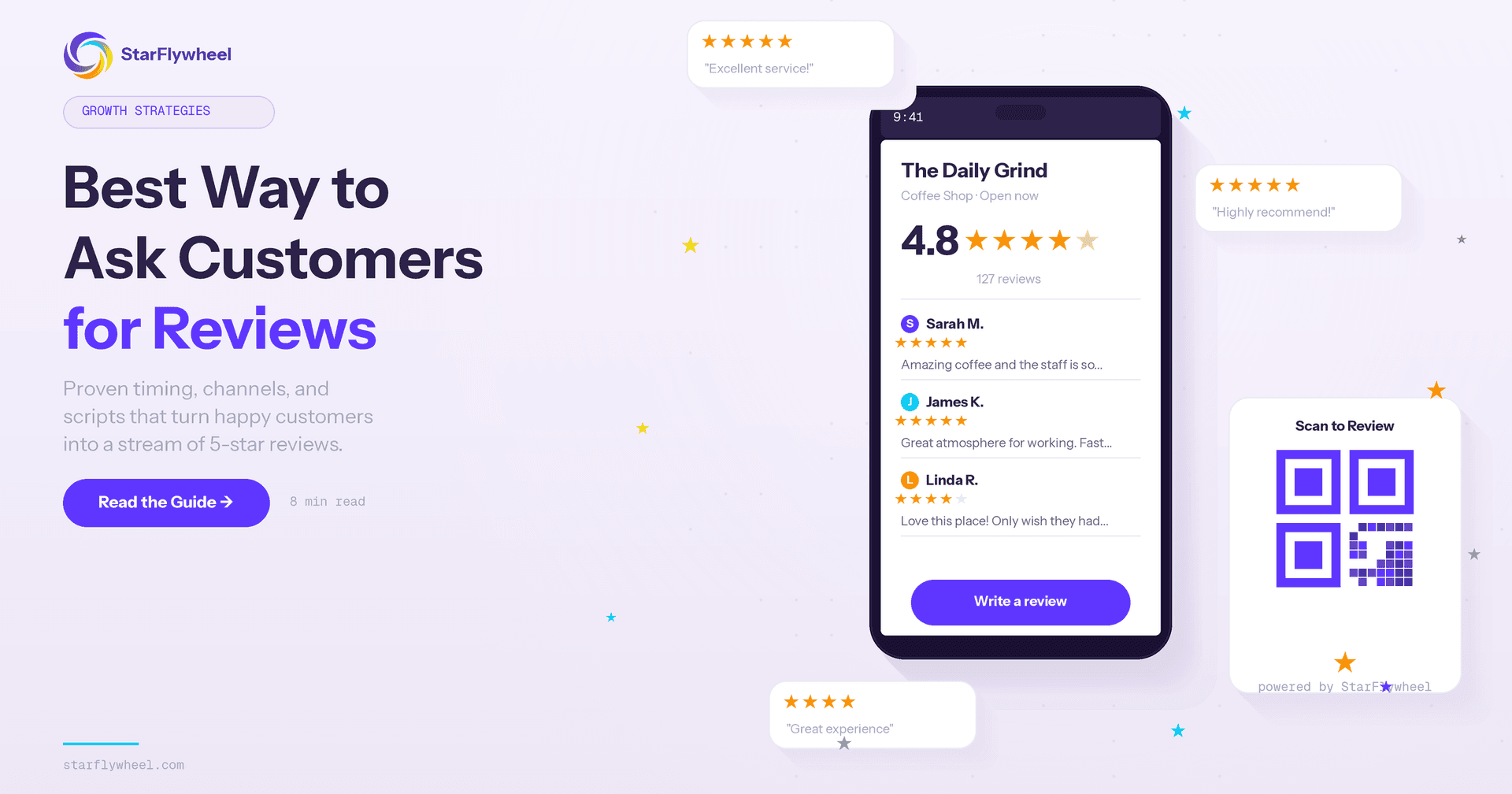
QR codes work because they capture customers at the peak of their experience—while they're still in your location and feeling great about it. Place them on receipts, table tents, checkout counters, packaging inserts, or thank-you cards.
The best QR codes link directly to the Google review form (or whichever platform matters most). Every extra screen between the scan and the review box is a drop-off point.
5. Follow Up After a Support Win
Customer support interactions that end well are review goldmines. When you've just solved someone's problem, they're feeling relieved and grateful—exactly the emotional state that produces detailed, positive reviews.
Add a review request to your support closing workflow: "Glad we could sort that out! If you have a second, we'd really appreciate a quick review about your experience."
6. Leverage Social Media Mentions
When customers tag your business or leave positive comments on social media, they've already done the hard part—they've decided to say something nice about you publicly. A friendly reply that invites them to share that feedback as a Google review converts at a surprisingly high rate.
Timing Cheat Sheet
Getting the timing right is half the battle. Here's a quick reference:
- In-person businesses (restaurants, salons, gyms): Ask before they leave, or send an SMS within 1–2 hours.
- E-commerce: Send an email 3–5 days after delivery, once they've had time to use the product.
- Service businesses (contractors, agencies): Ask at project completion or after a milestone delivery.
- SaaS and subscriptions: Trigger the ask after a key success moment—first result achieved, 30-day mark, or feature adoption.
What to Say: Templates That Convert
You don't need to reinvent the wheel. Here are proven frameworks you can adapt:
The Direct Ask:
"Hi [Name], thanks for choosing [Business]! If you had a great experience, a quick Google review would mean the world to us: [Link]"
The Impact Frame:
"Hi [Name], your feedback helps other people like you find us. If you have 60 seconds, we'd love to hear about your experience: [Link]"
The Gratitude Lead:
"Hi [Name], we loved having you in today. If you enjoyed your visit, sharing a quick review is the best way to support us: [Link]"
All three follow the same structure: personalize, explain the "why," and provide a frictionless link.
5 Mistakes That Kill Your Review Rate
1. Asking Too Late
If you wait a week to send a review request, the emotional connection is gone. Aim for hours, not days.
2. Making It Complicated
Every extra click, page load, or form field reduces completion. One link, one tap, done.
3. Asking Too Many Times
One request plus one gentle follow-up is the sweet spot. Beyond that, you're training customers to ignore you.
4. Incentivizing Reviews
Offering discounts or freebies for reviews violates Google's terms of service and can get your reviews removed or your profile penalized. Create experiences worth reviewing instead.
5. Ignoring the Reviews You Get
If customers see that you never respond to reviews, they're less motivated to leave one. Businesses that respond to reviews get up to 41% more reviews than those that don't. Reply to every single one.
Responding to Reviews: The Multiplier Effect
Responding to reviews isn't just good manners—it's a growth strategy. When potential customers see that you engage with feedback (both positive and negative), it builds trust and signals that you care.
For positive reviews, keep it warm and specific. Reference something they mentioned. For negative reviews, stay calm, acknowledge their experience, and offer to make it right offline.
Never argue. Never get defensive. Every response is a public performance for your future customers.
Build a Review Flywheel, Not a Campaign
The businesses that win at reviews don't run one-off campaigns. They build systems—what we call a Review Flywheel:
- Deliver a great experience that's worth talking about.
- Ask at the right moment through the right channel.
- Make it effortless with direct links and QR codes.
- Respond to every review to encourage more.
- Use feedback to improve, which leads to better experiences.
Each step feeds the next. More reviews improve your visibility, which brings in more customers, which creates more opportunities to earn reviews. It's a compounding loop.
Start This Week
You don't need to implement everything at once. Start with these three steps:
- Today: Generate your Google review direct link and create a QR code.
- This week: Write one SMS and one email template for post-visit follow-ups.
- Ongoing: Respond to every new review within 48 hours.
Want to automate the entire process? StarFlywheel helps local businesses build their Review Flywheel with smart QR codes, automated follow-ups, and review management—starting at just $9/month.
Ready to grow your reviews?
Start building your review flywheel today. Free plan available, no credit card required.
Start Free