

How to Turn Customer Reviews Into Social Media Posts
How a local business turns its best reviews into Facebook and Instagram content: which reviews to pick, attribution etiquette, formats that work, a weekly cadence, and what to measure.
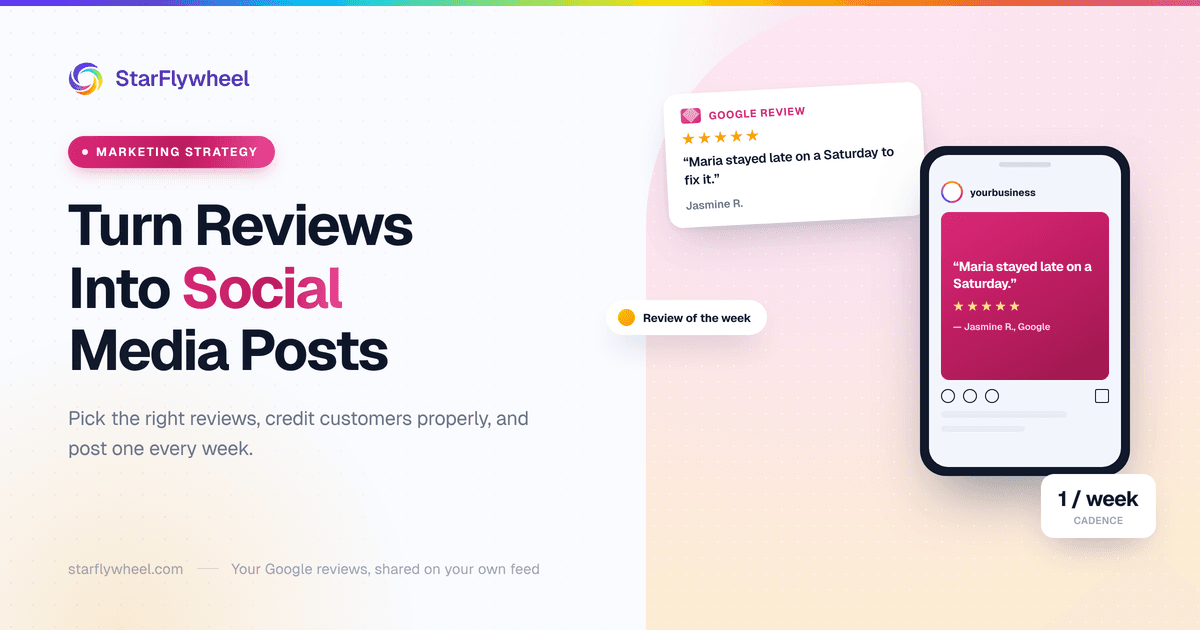
Your Best Marketing Copy Is Already Written
Somewhere on your Google profile there is a review that says something like: "Maria fit me in on a Saturday when my daughter's braces wire snapped, stayed twenty minutes past closing, and didn't charge us for the visit." Nobody on your team could write a better ad. It is specific, it names a person, and it was written by someone with no reason to flatter you.
And it is sitting there, read only by the people who already went looking for you. Your Facebook page, meanwhile, has a stock photo of a smiling family and a post about holiday hours.
Turning reviews into social media posts is one of the cheapest content habits a local business can build. You do not need a designer, a content calendar tool, or ideas — your customers supply the ideas. What you need is a way to pick the right reviews, a little etiquette about using other people's words, and a format that does not look like every other "5 stars!" graphic in the feed.
Picking the Reviews Worth Posting
Most reviews are not worth turning into posts. "Great service, highly recommend" is lovely to receive and invisible on Instagram. The ones that work share three traits.
Specific
A good post-worthy review describes something that happened: the problem, what you did, how it felt. "They found the leak in ten minutes after two other companies gave up" is a story. "Very professional" is an adjective. Stories get read; adjectives get scrolled past.
Recent
A review from last week signals that you are good now. One from three years ago, posted as fresh content, invites the question of what happened since. Stick to the last few months when you can, and do not alter the date or wording if you dig up an older gem — just let it be what it is.
Names a staff member
Reviews that name someone are the best raw material you have. They put a face on the business, they give you a reason to tag that person, and they recognize the employee in front of their friends and family — which is the thing that makes staff want to keep earning those reviews. Featuring these is fine — but do not try to manufacture them. Google's contribution policy, tightened in 2026, prohibits asking customers to include content that identifies a staff member, so keep your requests neutral and let names show up on their own. Our guide to the best way to ask customers for reviews covers compliant wording.
Finding them without reading everything
If you have a few dozen reviews, just read them. If you have hundreds across several locations, it helps to have the text grouped somehow. StarFlywheel's feedback analysis pulls recurring themes, keywords and sentiment out of the Google reviews it monitors (and Yelp reviews on the Growth and Pro plans), which makes it quicker to spot, say, every review that mentions "weekend" or a particular technician. It does not pick your posts for you or publish anything — it just shortens the search.
Permission and Attribution Etiquette
Google reviews are public. Anyone can read them, and quoting a short line with credit to the platform is common practice. That does not mean every use is equally comfortable for the person who wrote it, and a local business lives on goodwill.
A sensible working rule:
- Attribute with first name and last initial. "— Jasmine R., Google review" is enough to show it is real without putting someone's full name into your feed.
- Ask when you quote at length. A sentence pulled from a review is one thing. A full paragraph turned into a carousel is closer to republishing their writing, and a quick message — "We loved your review, would you mind if we shared it on our page?" — costs you nothing.
- Always ask when you feature the person. Their photo, their face, their kid, their pet, their house, their car in a recognizable driveway — get a clear yes first, ideally in writing.
- Never edit the words. Trimming with an ellipsis is fine if it does not change the meaning. Fixing their grammar, adding adjectives, or stitching two reviews together is not.
- Be careful in sensitive categories. Dental, medical, legal, therapy and anything else where simply being a client reveals something private: lean much harder toward asking, and consider leaving the name off entirely even when the review is public.
Most people are delighted to be asked. A customer who sees their review on your page, with a thank-you, often shares it themselves — which is the best-case outcome.
Formats That Work
You do not need all of these. Pick one or two that suit how you already post.
The quote card
The simplest format: the key line of the review on a clean background, the reviewer's first name and initial, five stars, your logo small in the corner. Make it square for the feed. Use your brand colors and one typeface, and resist the urge to add sparkles, confetti or a stock photo of a thumbs-up.
The quote should be short enough to read in two seconds. Pull the single best sentence and put the full review in the caption.
The carousel
Instagram and Facebook both support multi-image posts, and they suit reviews well. Two patterns that work:
- A theme carousel: five short quotes that all say the same thing about you — "on time," "explained everything," "fixed it the first visit." Repetition from different people is more convincing than one glowing review.
- A before-and-after story: slide one is the customer's problem in their words, the middle slides show the work, the last slide is how the review ended.
A Reel with the staff member
This is the format that tends to feel the most human. The employee named in the review reads it out loud on camera, reacts, and says one line about the job. Fifteen to thirty seconds, filmed on a phone in the shop or the van, no script beyond "read it and tell us what you remember."
Not everyone is comfortable on camera, and nobody should be pushed into it. Ask, and let people say no. The ones who enjoy it will carry the format.
Stories and a "Reviews" highlight
Stories disappear after a day, which makes them a low-pressure place to share reviews more often. Save the good ones into a Highlight called "Reviews" on your Instagram profile, so anyone checking you out can tap through them in a few seconds. It works like a testimonial page that lives where your audience already is.
A Cadence You Can Actually Keep
The most common failure is not a bad post — it is three good posts in March and nothing after. A fixed slot solves that: one "review of the week," same day every week.
It works because the decision is already made. Every Monday someone picks one review from the past week or two, makes the card or films the clip, writes a caption, and schedules it. Twenty minutes. Over a year that is fifty posts of genuine social proof, built entirely from what customers already said.
If you post more than that, mix reviews in with everything else rather than turning your feed into a wall of testimonials. Reviews are the evidence; the rest of your content is the business itself.
Writing the Caption
The image carries the quote. The caption carries the context and the thanks. A simple structure:
- The story in one line. "Saturday morning, snapped braces wire, and an orthodontist's office that was supposed to be closing."
- The thank-you. "Thank you, Jasmine, for taking the time to write this."
- The staff credit. "And thank you, Maria, for staying late — this is exactly who you are."
- A light next step. "Weekend emergency appointments: call the office or book online."
Keep the voice yours. If you would not say it out loud to a customer at the counter, do not write it in the caption. And skip hashtags in bulk; two or three local ones are plenty.
Tagging staff
If the employee has a public account and is happy to be tagged, tag them. Their friends and family see it, they share it, and your post travels further than your own followers. If they would rather keep their personal account separate, use their first name in the caption and leave it at that. Ask once, remember the answer.
Avoid the Fake-Looking Polish
There is a style of review graphic that makes people trust the review less: gold gradient stars, script fonts, a stock photo of a woman laughing at a laptop, and a quote that reads like it went through a marketing department. Customers have seen so many fake testimonials that over-production reads as fabrication.
What reads as real:
- The reviewer's own words, including the slightly awkward phrasing.
- A screenshot of the actual review, with the platform visible, alongside or instead of a designed card — it is the most credible format of all.
- Real photos from your business: the actual shop, the actual team, the actual van.
- Not every review being five stars. A four-star review that says "a bit pricey, but they did it right" is wonderfully believable.
Using Negative-Turned-Positive Stories Carefully
Sometimes the best story you have started badly: a customer left a one-star review, you called them, fixed the problem, and they updated it. That arc is genuinely persuasive — it shows what happens when something goes wrong, which is what cautious buyers most want to know.
Handle it with care. Only post it if the customer has agreed, ideally after they changed the review themselves. Never post the original complaint in a way that shames them, never imply they were wrong, and never present it as a trophy. The point is how you responded, not that you won. If the story only works by making the customer look bad, leave it alone. For the response side, see our guide to responding to negative reviews.
What About Facebook Recommendations?
Facebook pages generally show Recommendations rather than the old one-to-five star reviews — a person says whether they recommend you and writes a few words. Those are content too. Facebook's own tools let you share some of them, and the same etiquette applies: first name and initial, ask before featuring someone, never edit their words.
Facebook changes how these features look and behave fairly often, so check your own page settings before you build a routine around them. Our guide to Facebook page reviews covers the page side in more detail.
Measuring Whether It Works
Likes are the least useful number on a review post. The ones worth watching:
- Saves. Someone saving a review post is usually someone planning to come back to you later.
- Shares. Especially by the reviewer or the staff member — that is your post reaching people who have never heard of you.
- Profile visits and website taps. Both Instagram and Facebook show these in their insights. A good review post should send people to look at the rest of your business.
- Calls and bookings that mention it. Low-tech, but ask new customers how they found you. "I saw the video of the guy reading the review" is the clearest signal you will get.
Give it a couple of months before judging. Compare review posts with your other posts over the same period rather than looking at any single post in isolation.
Where StarFlywheel Fits — and Where It Does Not
To be plain about it: StarFlywheel does not post to Facebook or Instagram, and it does not connect to your social accounts. Making the card, filming the Reel and scheduling the post happen in whatever tools you already use.
What it does is the part upstream of all this. It sends review requests by email, QR code and SMS (paid plans, US and Canada) so you have a steady supply of fresh, specific reviews to choose from. It monitors your Google reviews (and Yelp on Growth and Pro), and its feedback analysis helps you find the standout ones. If you want those reviews working on your website as well as your feed, the review widget is the related option — our guide to embedding Google reviews on your website covers how that works.
Start This Monday
Open your Google reviews. Find one from the last month that tells a specific story and names someone on your team. Turn the best sentence into a simple square card, write a four-line caption that thanks the customer and the employee, and post it. Then put "review of the week" in the calendar for next Monday.
That is the whole system. Your customers have already done the hard part — they wrote the copy. You just have to give it a bigger audience. And if you need more reviews to choose from, a Google review QR code at the counter is the easiest place to start.
Ready to grow your review count?
StarFlywheel sends customers to the review platforms that matter to you and tracks your Google reviews automatically — free to start, paid plans from $9/month.
Ready to grow your reviews?
Start building your review flywheel today. Free plan available, no credit card required.
Start Free